


Free Photoshop workflow · macOS + Windows
AstroCooker
From raw capture to creative control
Turn a raw or stacked nightscape into a cleaner, editable Photoshop starting point. AstroCooker does the repetitive groundwork, then leaves the layers, masks and final creative choices in your hands.
A starting point, not a final look
Keep the control. Skip the repetitive setup.
AstroCooker builds an organised Photoshop layer stack from your original image. It can clean up stars, reduce noise, separate stars, prepare sky and foreground layers, correct night-sky white balance with native adjustment layers in Photoshop 27.10+, and add an editable Sky Tone Normalization curve.
BlurXT ML5 support
AstroCooker now detects and uses current BlurXTerminator models automatically from ML5 onward. ML5 removes the compact colour blemishes produced by ML4 while retaining the corrected result.
ML5 may require a licence upgrade. Some existing users may need to pay ~US$50. Visit the RC-Astro website to upgrade or trial ML5.
Update before processing
Update the RC-Astro CLI, run rc-astro download-models --force, then restart Photoshop. The legacy ML4-to-ML2 repair workflow remains available for older ML4 processing.
For nightscape editors
Built for photographers who want a faster technical starting point without handing over the final edit.
For raw or stacked images
Start from the cleanest practical 16-bit RGB image, whether it is a raw conversion or a stacked result.
For your own style
Use Classic, begin with a community recipe, or save a recipe after you find a finish worth repeating.
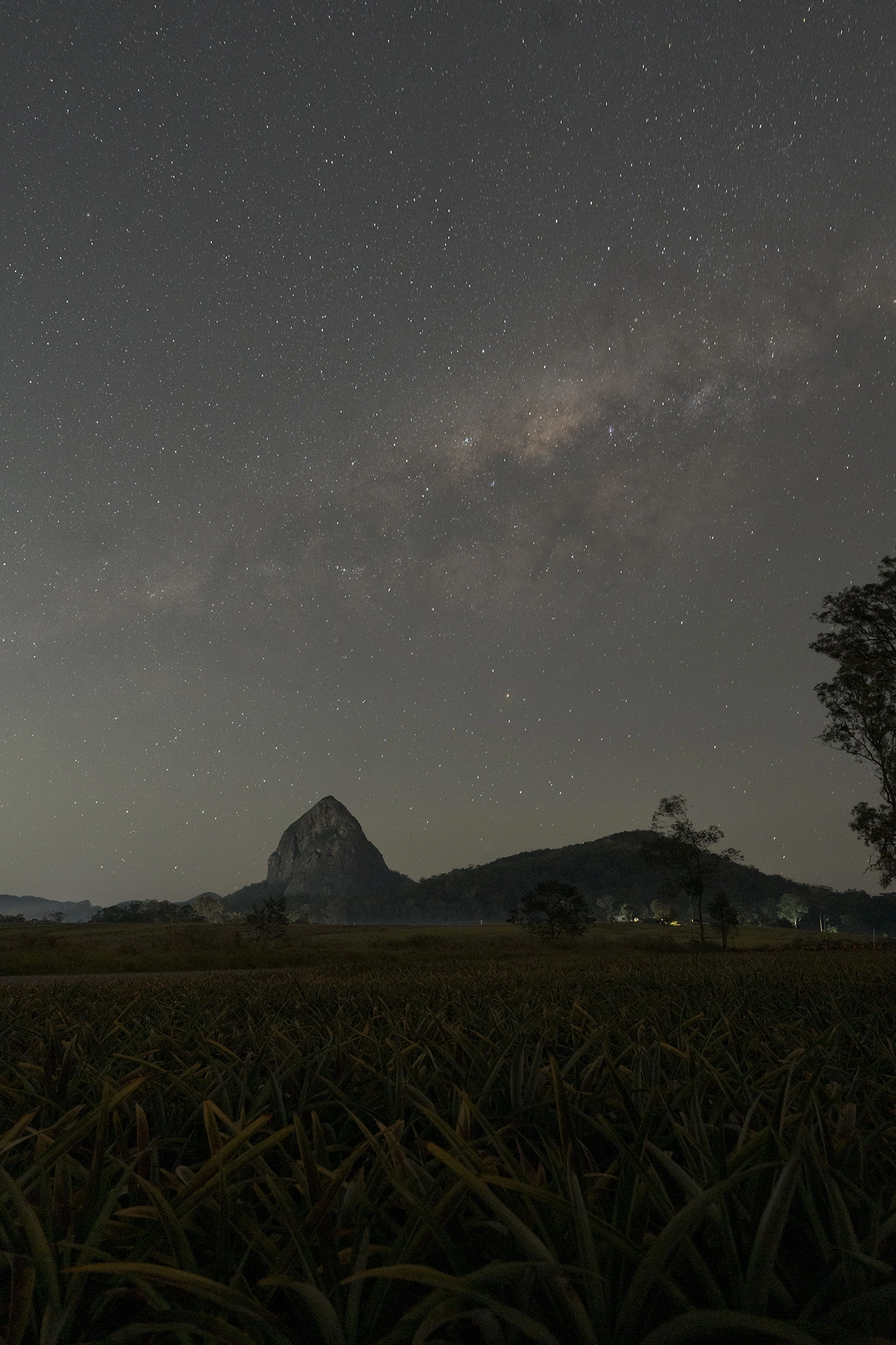
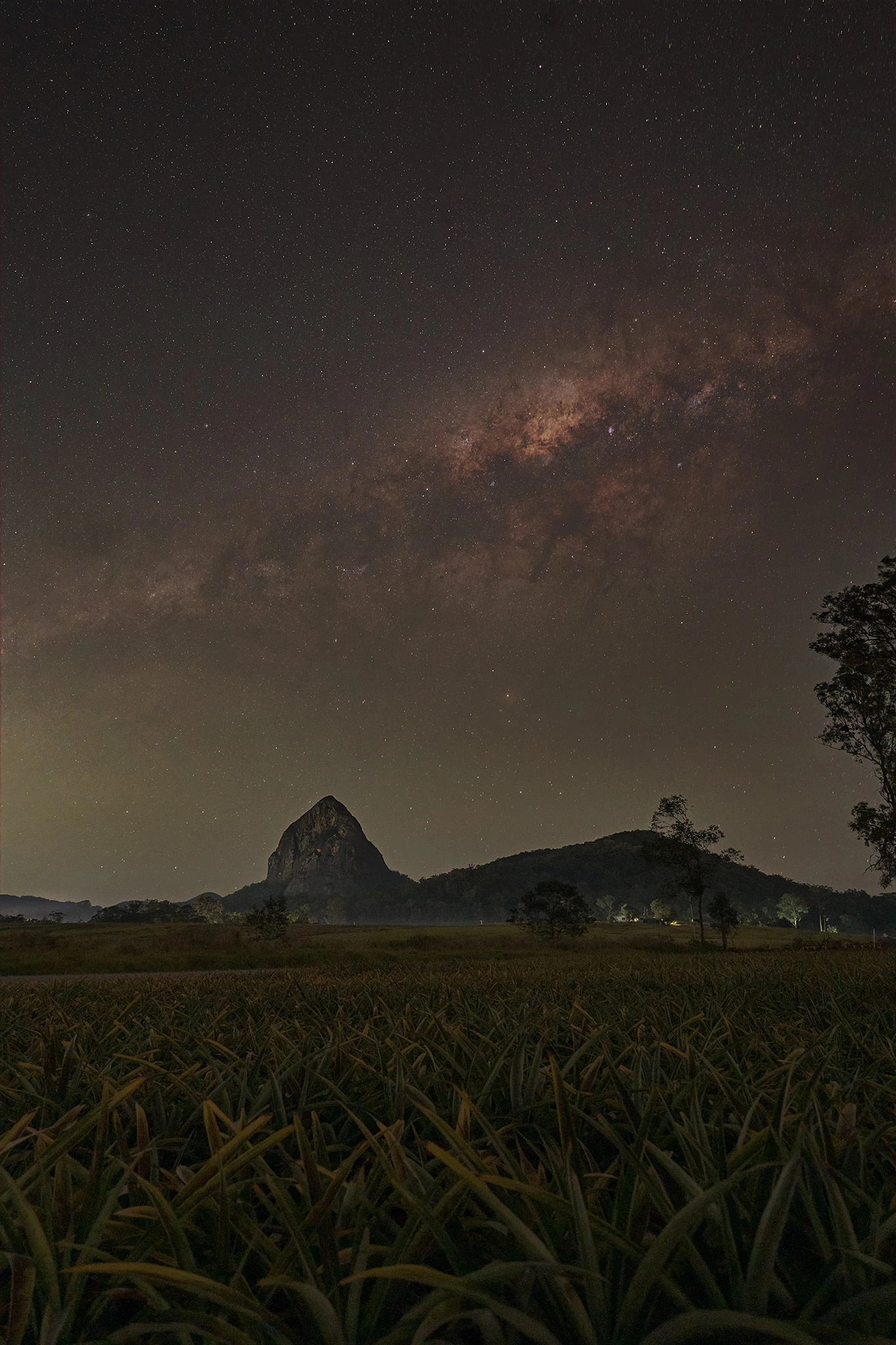
See the difference
A refined base, not a baked result.
The aim is subtle: better-controlled stars and noise, clearer structure, and a stack you can inspect, reduce or push further.
First run
Start in three steps.
- Download the package for your computer and install it in Photoshop’s Scripts folder.
- Open your image, select AstroCooker Recipe and run the workflow.
- Fine-tune the generated layers. Save a recipe later if you want to reuse the finish.
Before you download
What you need.
Photoshop
A current desktop release with scripting, Smart Objects, Camera Raw Filter and Select Sky.
RC-Astro tools, optional
RC-Astro BlurXT, NoiseXT and StarXT are optional but recommended for the complete automated workflow. AstroCooker checks they are installed and licensed before use.
A free star-removal option
StarNet V2 can make the Starless and Stars layers when StarXT is not available.
Your source image
Use the cleanest practical 16-bit RGB image. AstroCooker preserves the original layers outside its group.
Installation
Install once, then run it from Photoshop.
macOS installation
AstroCooker.jsx and blurxt-repair-mask-calibrator into /Applications/Adobe Photoshop [version]/Presets/Scripts/. Restart Photoshop, then choose File → Scripts → AstroCooker.Windows x64 installation
AstroCooker.jsx and blurxt-repair-mask-calibrator.exe into Photoshop’s Presets\Scripts folder. Restart Photoshop, then choose File → Scripts → AstroCooker.Try it without installing
AstroCooker.jsx.When you are ready to go deeper.
Recipes
Recipes store editable finishing choices, including supported custom adjustment layers inside the AstroCooker, Sky and Foreground groups. Use Classic first, then save a named recipe when you find a style worth repeating.
Community recipes are checksum-verified before installation. Submit your own recipe for review →
Settings and legacy repair review
Start with ML5 and the defaults. AstroCooker supports current and newer BlurXT models automatically; its optional repair review remains available when processing with legacy ML4.